
The digital business card
you can use immediately.
SMEE works on mobile and web. Share with a tap, scan, or link — and let people save you in seconds.
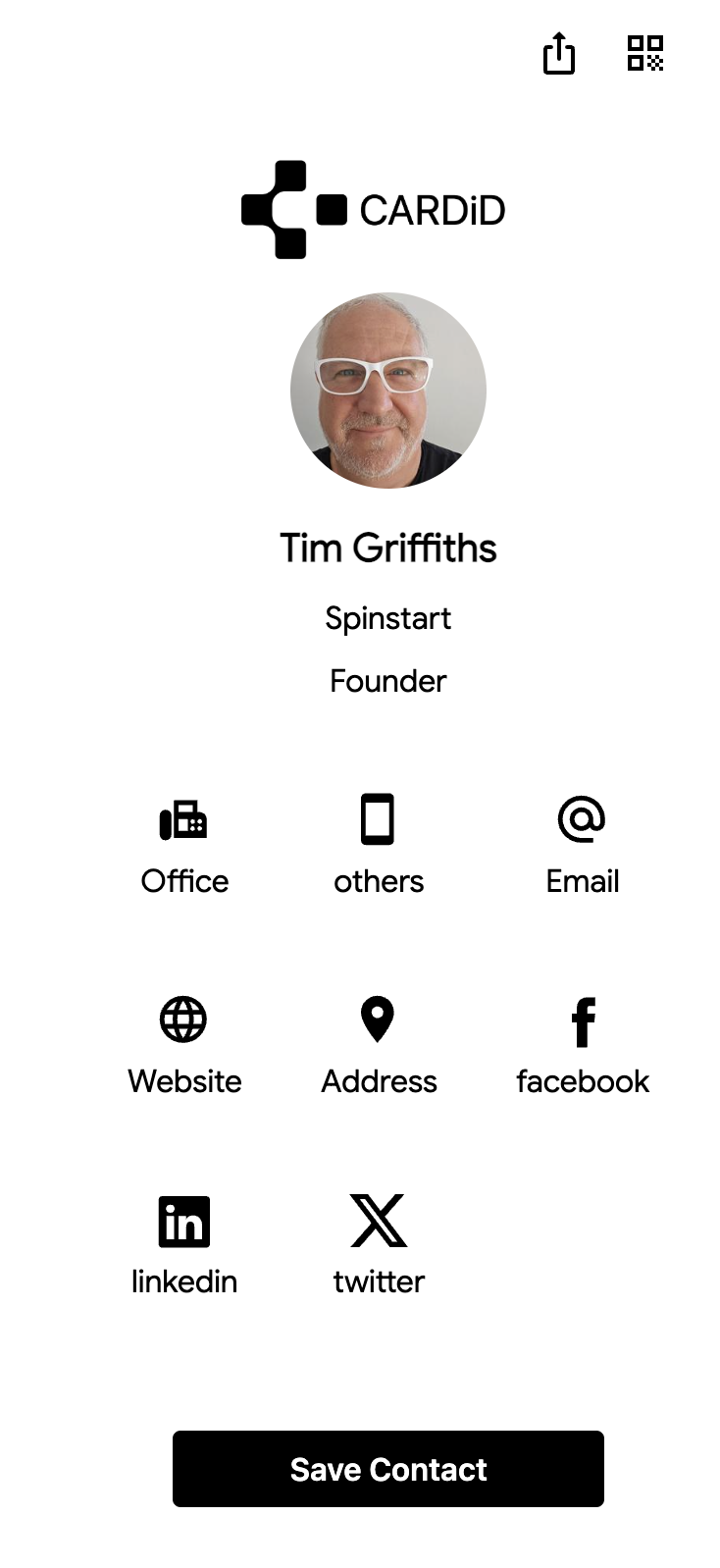
Everything you need to connect.
A digital card that works in real life — and looks good doing it.
Share in person, instantly. Built for your phone.
Set up fast, edit easily, manage your profile.
Keep SMEE ready even when you’re moving.
Perfect for events, posters, and screens.
Tap to share your SMEE in seconds.
Share in DMs, email signatures, socials.
Save SMEE to your Wallet
Add your SMEE card to Apple Wallet or Google Wallet so it’s always ready — one swipe away.
Perfect for events, meetups, and “quick intro” moments.
Open Wallet → share → done.
(Swap with a real Wallet screenshot later.)
For teams too
Manage cards, activity, and adoption from a simple web dashboard.
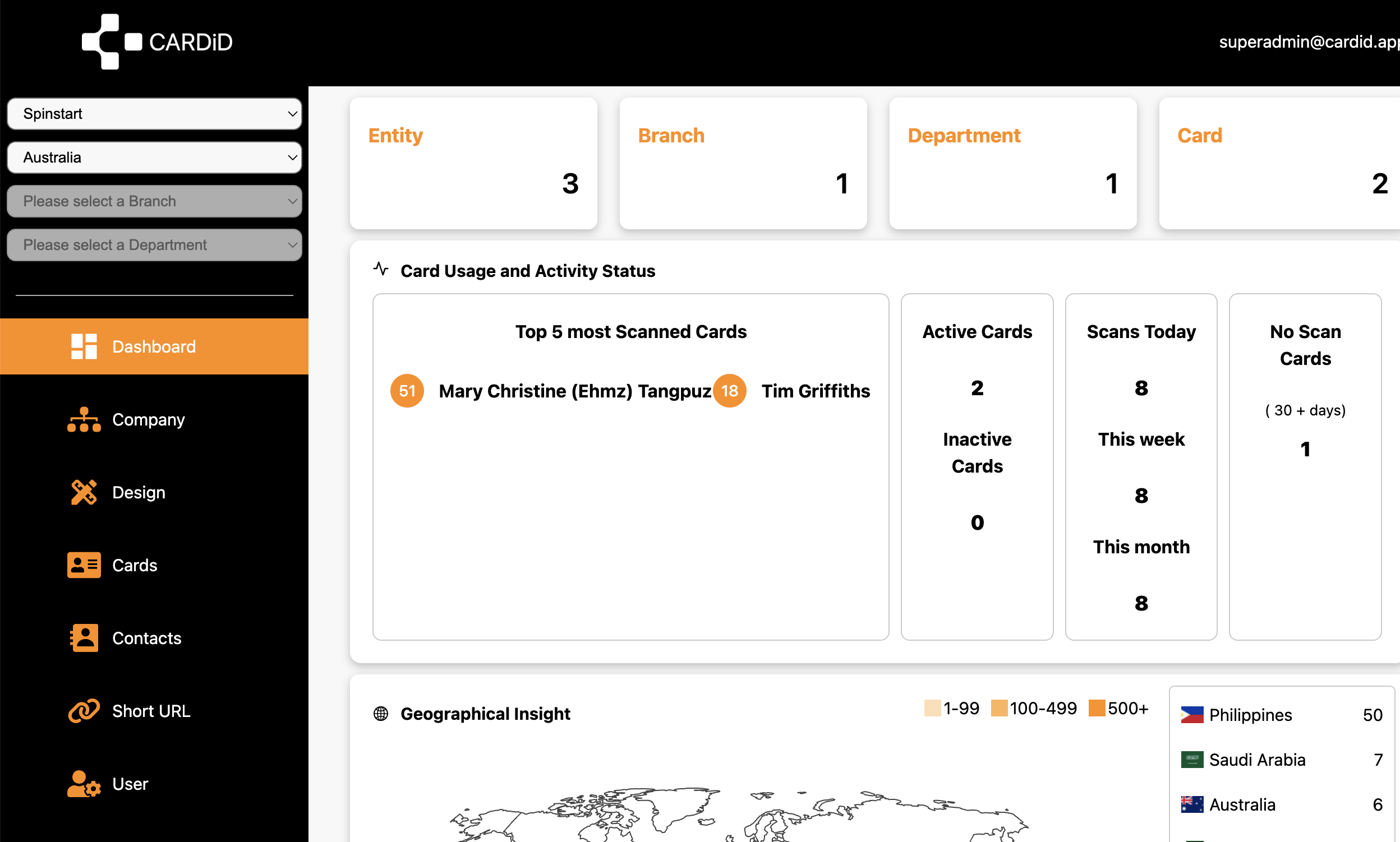
Cards created, active usage, and scanning trends.
Keep everything tidy for companies and groups.
Know what’s being shared and what’s working.
How it works
Set up once. Share forever.
Build your SMEE in the web app or mobile app.
Tap (NFC), scan (QR), share your link, or use Wallet.
People save your details in seconds — no awkward re-typing.
Designed to be shared.
A few quotes for the demo — replace with real ones later.
“I stopped carrying paper cards. SMEE is just easier.”
“Wallet save is clutch at events. One swipe and done.”
“Looks modern. People actually save my details now.”
FAQ
Do people need the app to receive my SMEE?
No — recipients can open your SMEE via QR or link. The app is for creating and managing your SMEE.
How do I share my SMEE?
Tap (NFC), scan a QR code, share your link, or open it from Apple Wallet / Google Wallet.
Is there a dashboard for teams?
Yes — teams can manage cards and view basic activity from the web dashboard.
Ready to share “you” properly?
Use SMEE immediately on mobile or web — and keep your card ready in Wallet.
Join the waitlist
Get early access. We’ll email you when SMEE is ready.